
Top up your wallet
Add USD funds via Pingpong bank transfer. Admin approval clears the balance.
Add USD funds via Pingpong bank transfer. Admin approval clears the balance.
Wallet basics
Your GloShip wallet is denominated in USD. It has two amounts:
- Available balance — funds you can spend on labels right now.
- Pending balance — funds reserved during an active topup or label purchase, not yet finalized.
You need a positive available balance to buy any label. Topping up the first time usually takes 1–2 business days because the bank transfer clears before your admin can approve it.
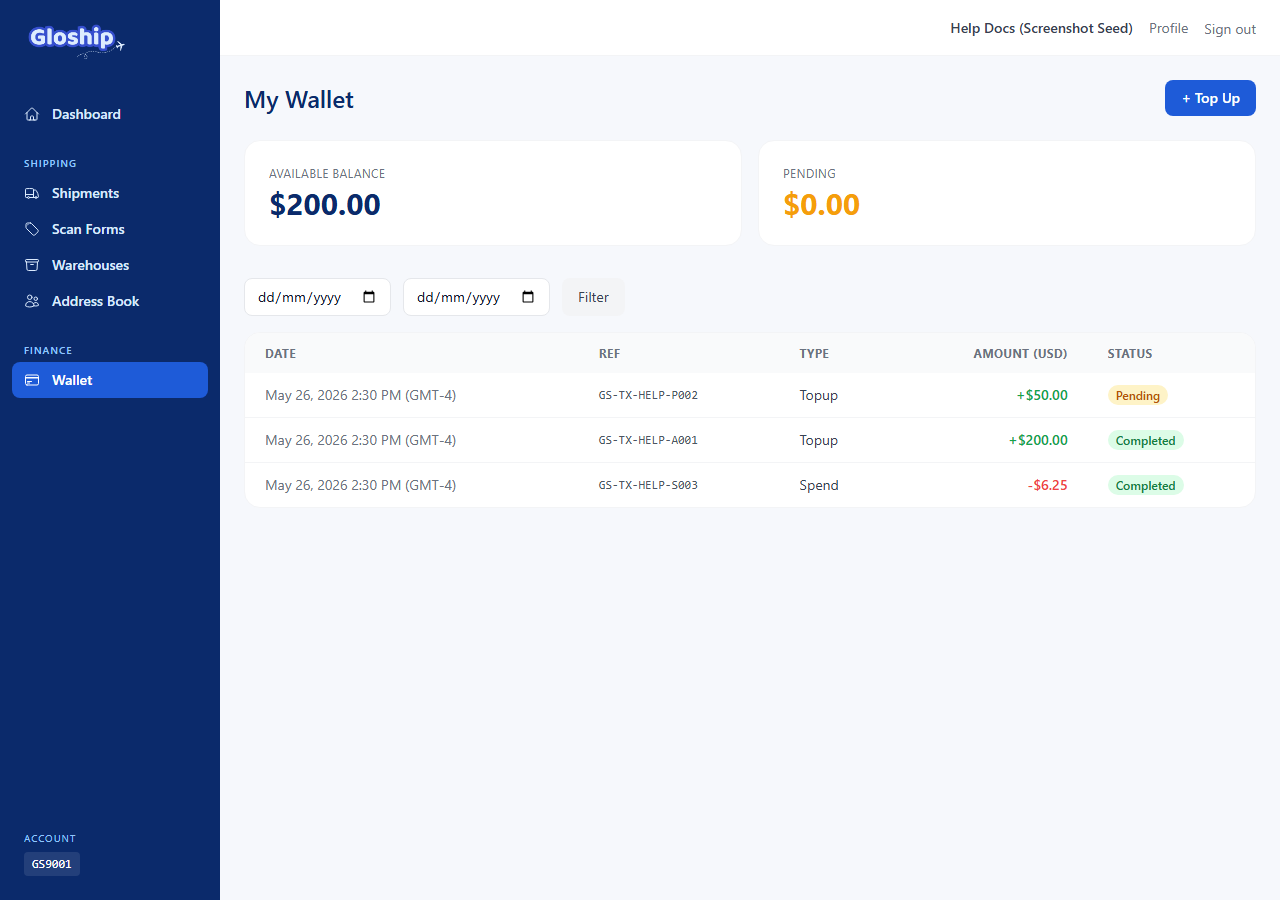
Initiate a topup
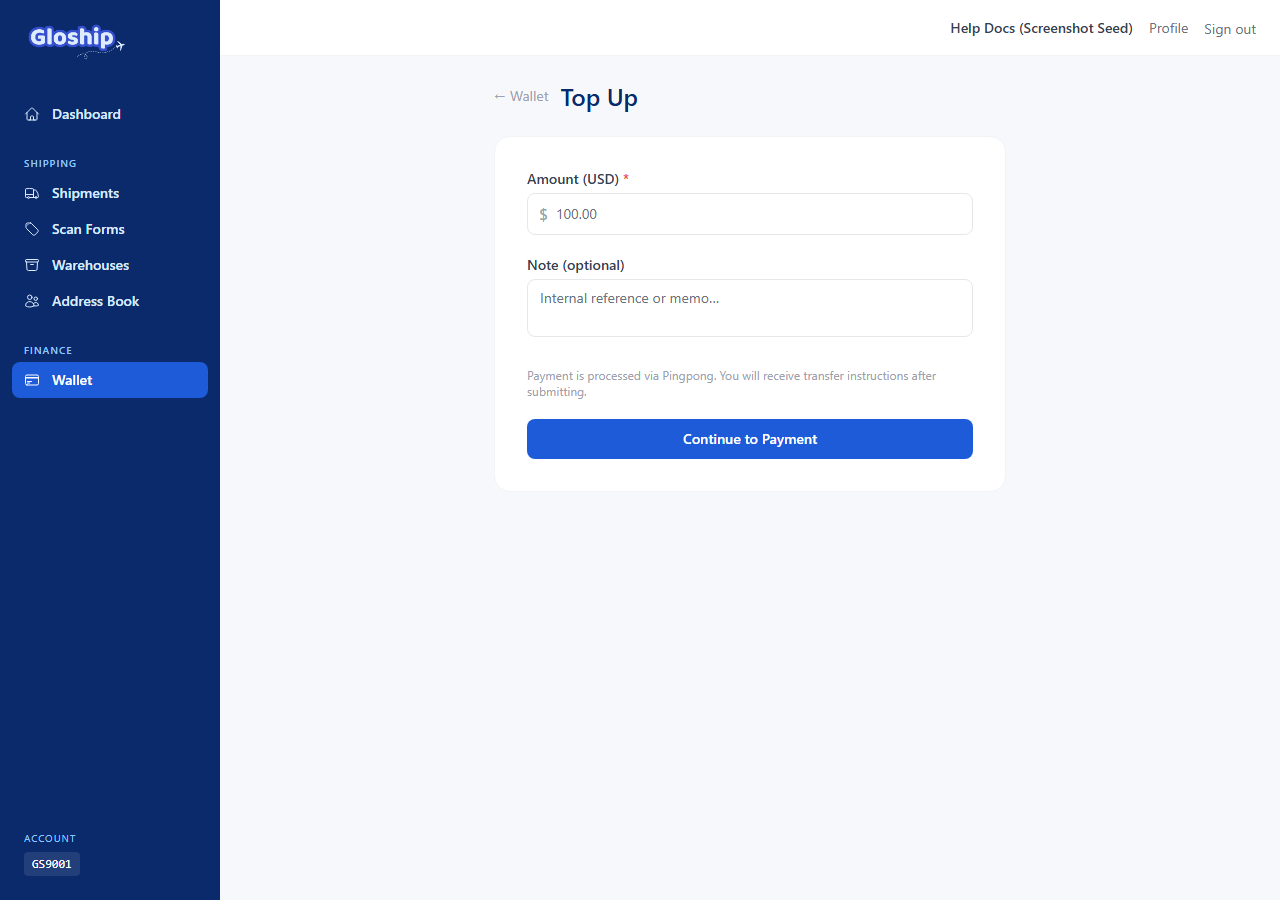
- From the top nav, click Wallet (or visit
/wallet). - Click Top up. You can also reach the form directly at
/wallet/topup. - Enter the amount in USD (minimum $1, maximum $50,000). Optional: add a short note for your own records.
- Click Continue to Payment.
Make the bank transfer
After you submit the form, you land on the Payment Instructions page. It shows everything you need to copy into your bank app:
- The receiving bank, account number, and account name (Pingpong).
- Your Reference Code — a unique tag like
GS-TX-XXXX-YYYY. This is how Pingpong (and we) match your payment to your topup record. - The exact USD amount.
Open your bank app and transfer the amount. Paste the reference code into the transfer memo / message field exactly as shown. Mismatched amounts or missing reference codes delay matching.
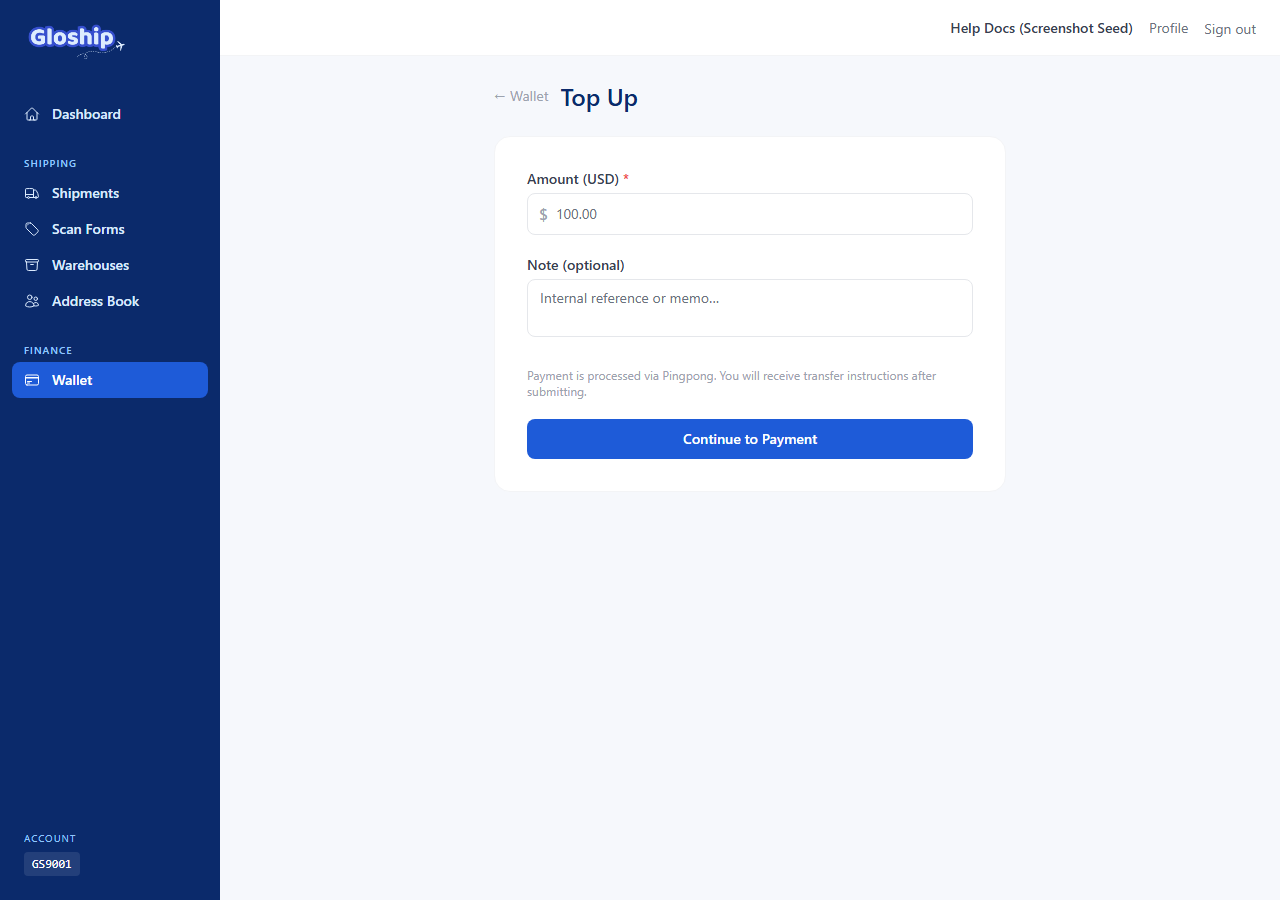
What happens next
- You see the transaction at
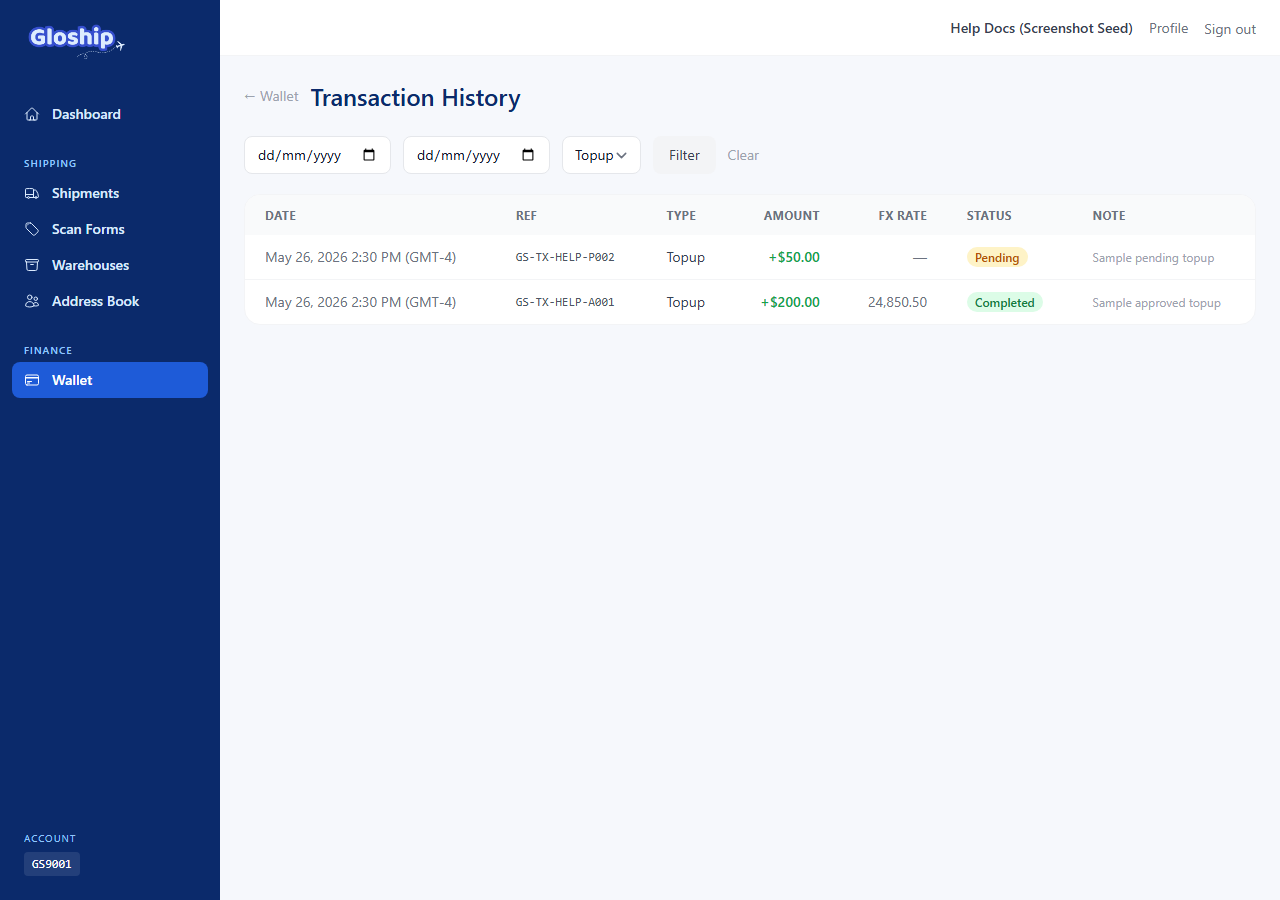
/wallet/transactionswith status pending. - Our team verifies the transfer (usually within one business day).
- The balance shifts from pending to available. You will receive an email confirmation.
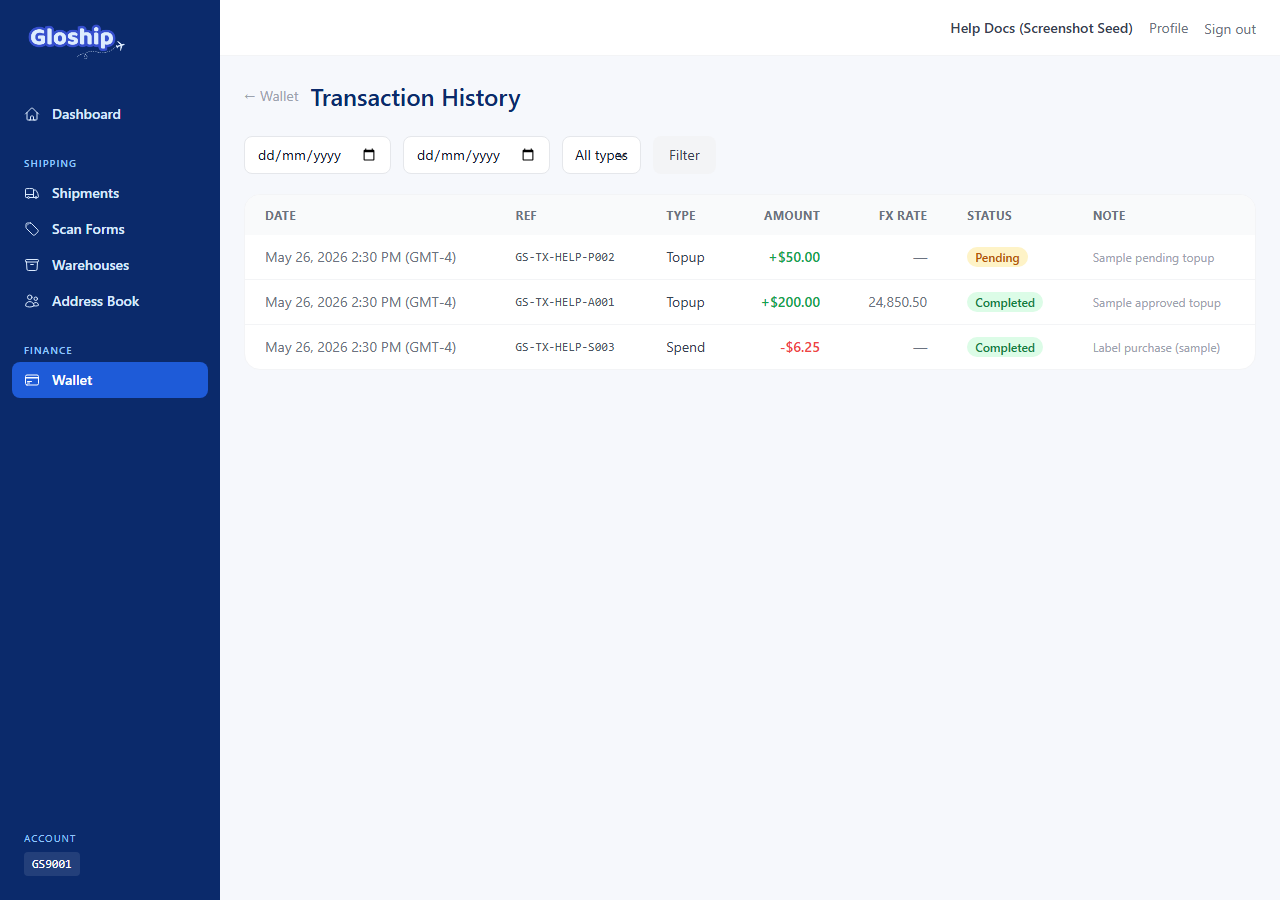
FX rate (for VND-denominated bank accounts)
If you are paying from a VND bank account through Pingpong, the conversion rate applied at approval is the daily Vietcombank reference rate plus a small markup. The exact rate appears on the approved transaction row alongside the USD and VND amounts so you can audit it.
Troubleshooting
- Transfer is reflected on my bank statement, but the topup is still "pending". Wait one business day for review. If still pending after 48 hours, email support@thegloship.com with the reference code and a screenshot of the transfer.
- I forgot to add the reference code. Email support immediately with the bank-side transaction ID; we can match manually but it takes longer.
- I transferred a different amount than the topup row. The amount must match exactly. Either send the missing difference (same reference code) or contact support to adjust the topup record.
- Topup was rejected. The transaction row shows the reason. Common causes: amount mismatch, mismatched account name, payment from an unverified source.
Related articles
- Read your wallet transactions — Understand topups, spends, refunds, FX rates, and reference codes.