
Create your GloShip account
Sign up with Google or email, verify your address, and complete onboarding.
Sign up with Google or email, verify your address, and complete onboarding.
Before you start
Have one of the following ready:
- A Google account, or
- An email address you can check (for the verification link), plus a strong password.
You will also need a US bank-transfer source later to top up your USD wallet — but you can sign up first and add funds after.
Option A — Sign up with Google
- Go to
/signup. - Click Continue with Google at the top of the form.
- Pick your Google account and approve the GloShip permission prompt.
- You land on the onboarding screen — jump to Complete onboarding.
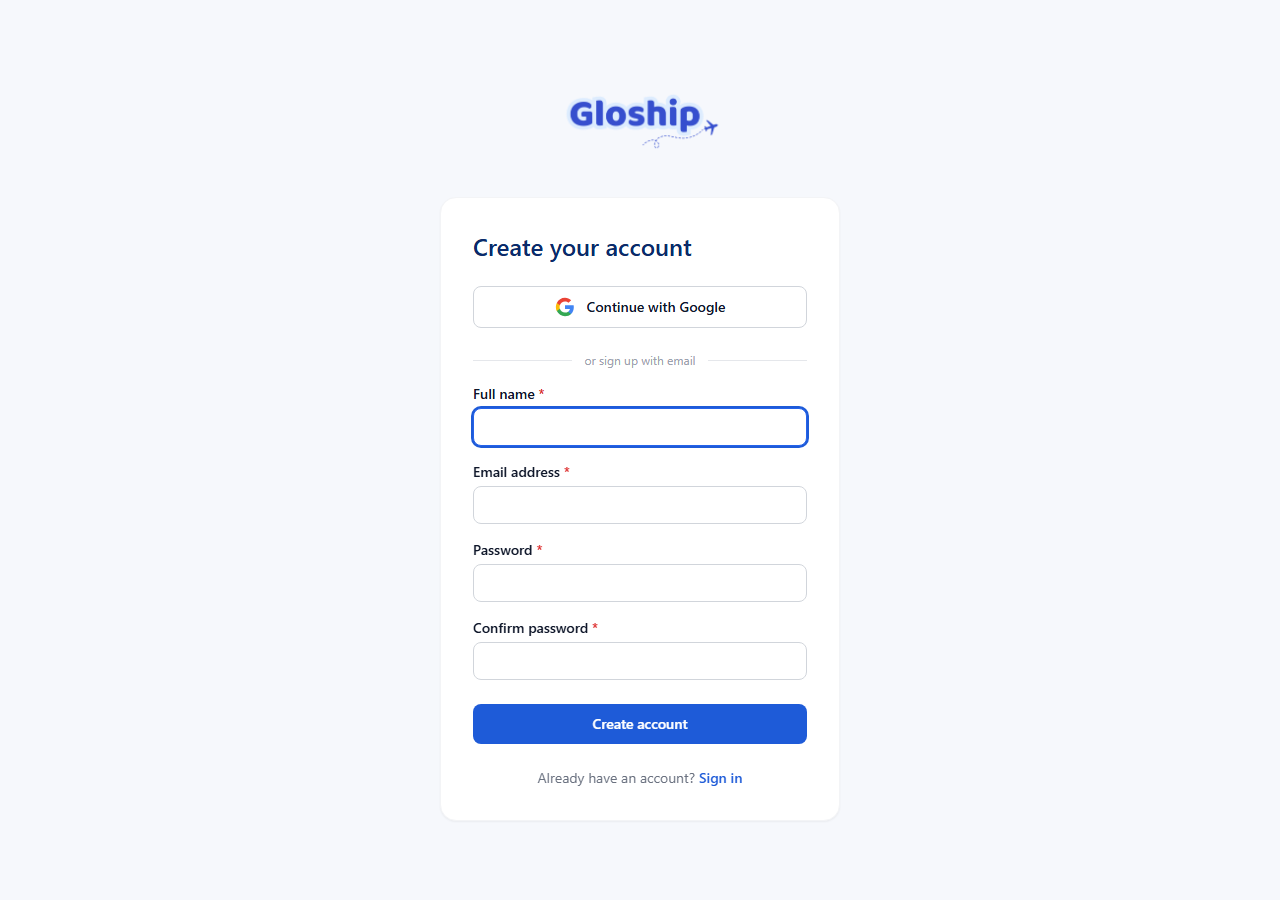
Option B — Sign up with email
- Go to
/signup. - Fill Full name, Email address, Password, and Confirm password.
- Click Create account.
- Check your inbox for a message from GloShip with subject "Verify your email". Click the link.
- The link logs you in and sends you to onboarding.
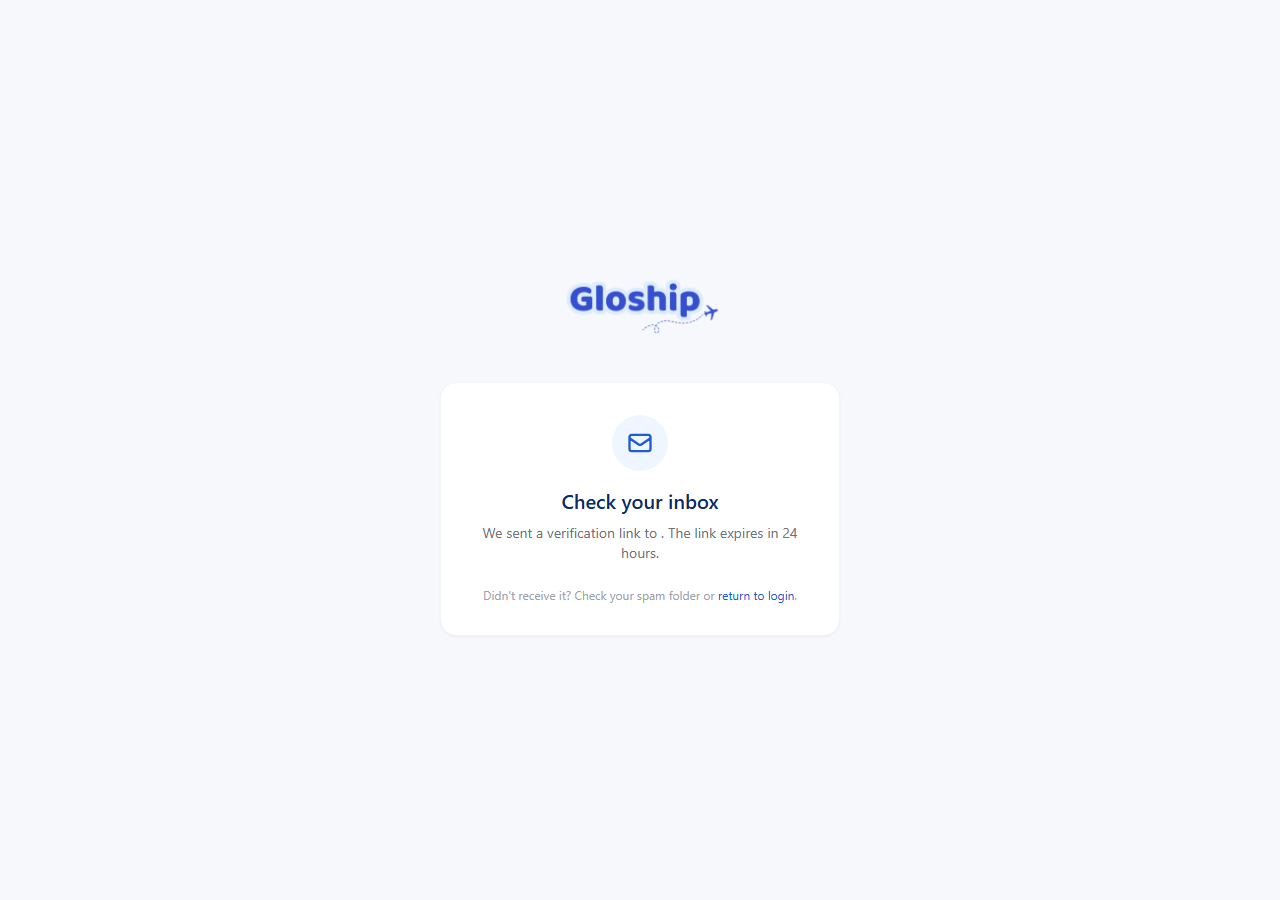
Tip: the verification link expires after 24 hours. If you wait too long, just sign in and request a new one from the "Verify your email" notice.
Complete onboarding
The onboarding screen asks for the business info GloShip needs to ship under your name:
- Company / store name
- Contact phone
- Mailing address (this is your billing/contact address — your warehouse addresses are added separately)
Submit the form to finish onboarding.
Wait for activation
New accounts start in pending status. You will see an "Account pending approval" screen until our team approves you — usually within one business day.
- You can sign in and out normally during this time.
- The customer portal (warehouses, shipments, wallet) is locked until you are activated.
- You will receive an email the moment your account is activated.
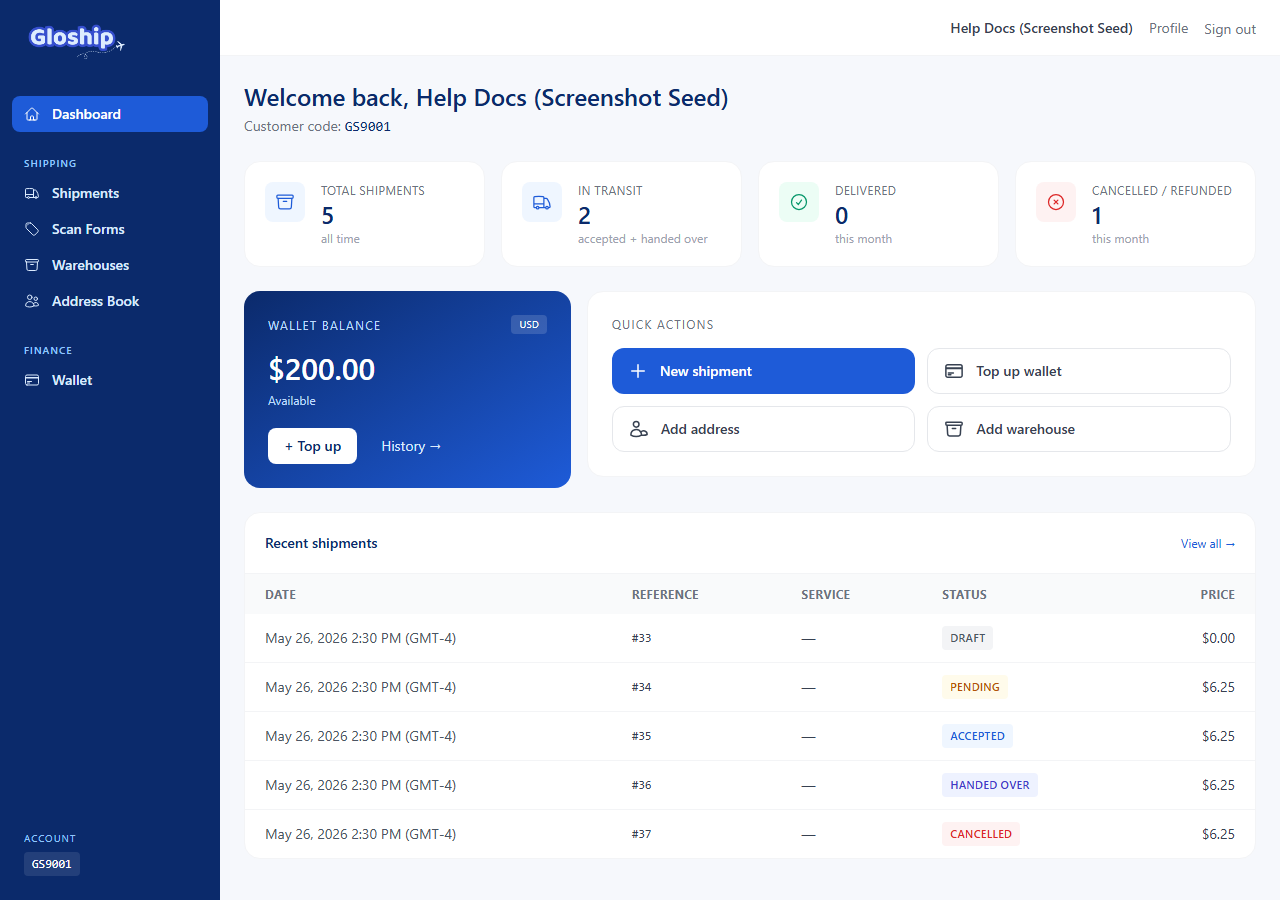
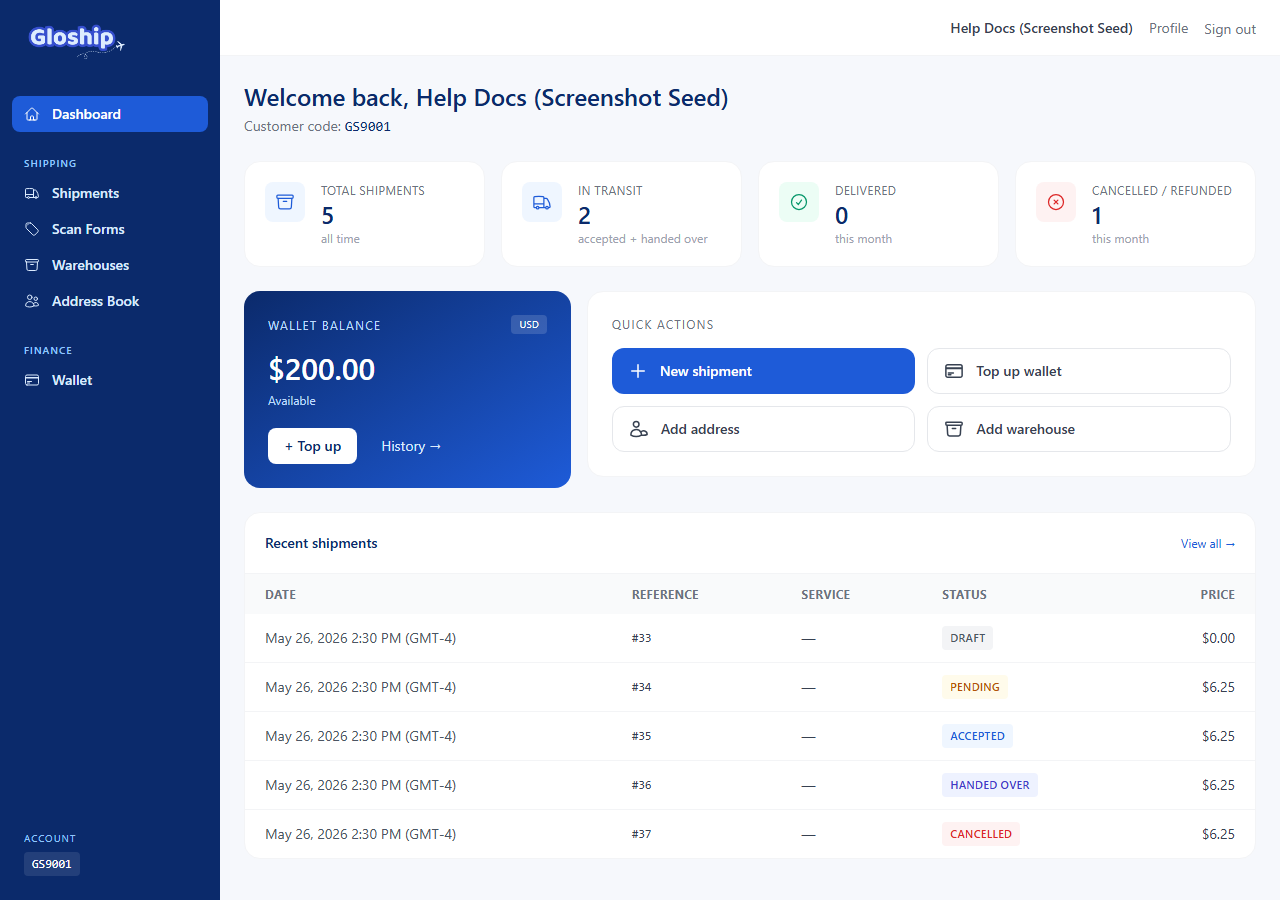
First login after activation
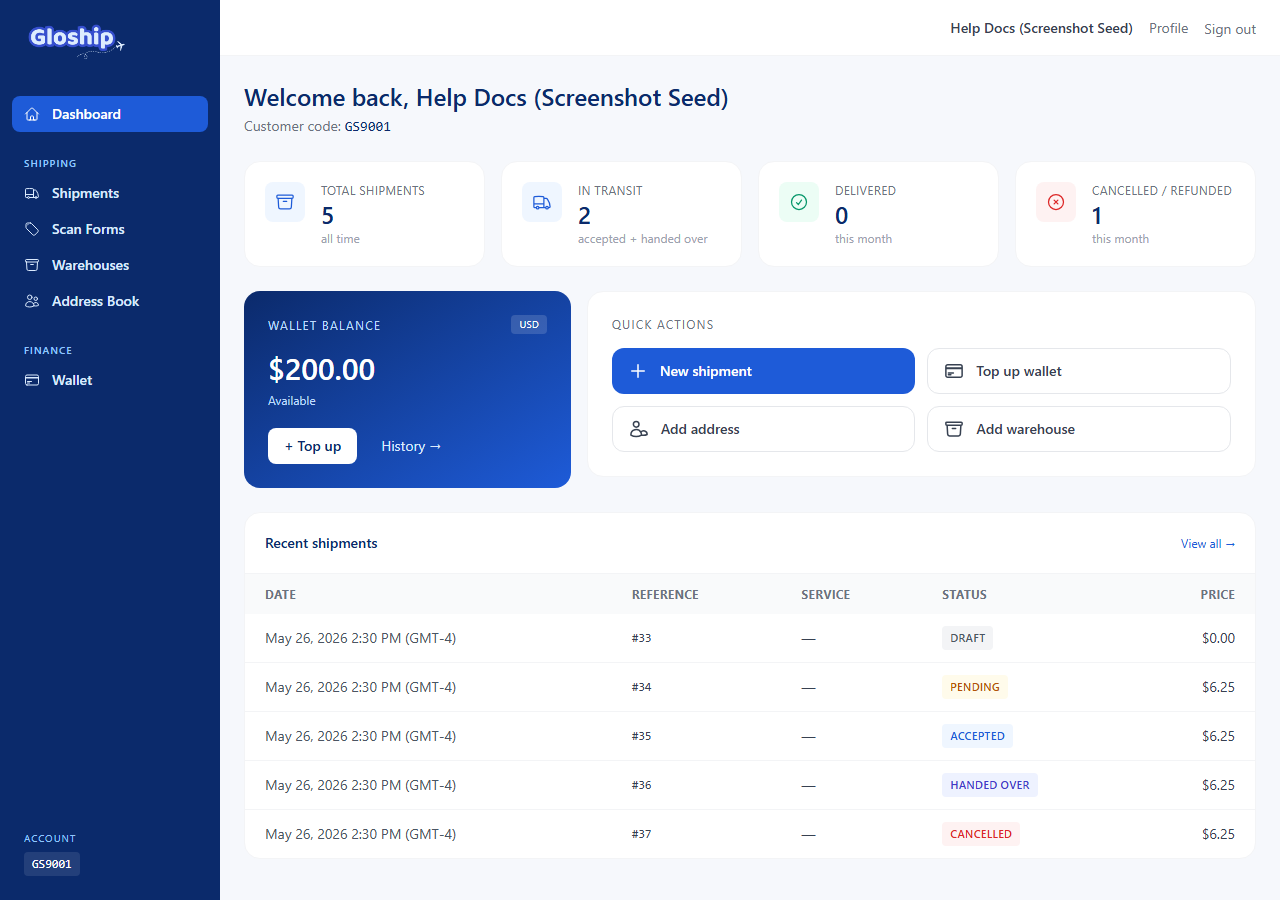
Once activated, sign in with the same credentials. You land on the dashboard with empty stats — that is normal for a brand new account. Next steps usually are:
- Add at least one warehouse — required before you can ship.
- Top up your wallet so you can pay for labels.
- Create your first shipment.
Troubleshooting
- Verification email never arrives. Check spam / promotions, then sign in and follow the "Resend verification" link. Add
support@thegloship.comto your contacts. - "Continue with Google" doesn't load. Your browser may block popups. Allow popups for our domain, or use the email option instead.
- Account stays "pending" for over 24 hours. Email support@thegloship.com with the email on your account.
- "Account deactivated" screen. Your account was paused (by you or by us). Reach out to support to restore access.