
Cancel a shipment and get a refund
Request cancellation, understand admin approval, and refund timing.
Request cancellation, understand admin approval, and refund timing.
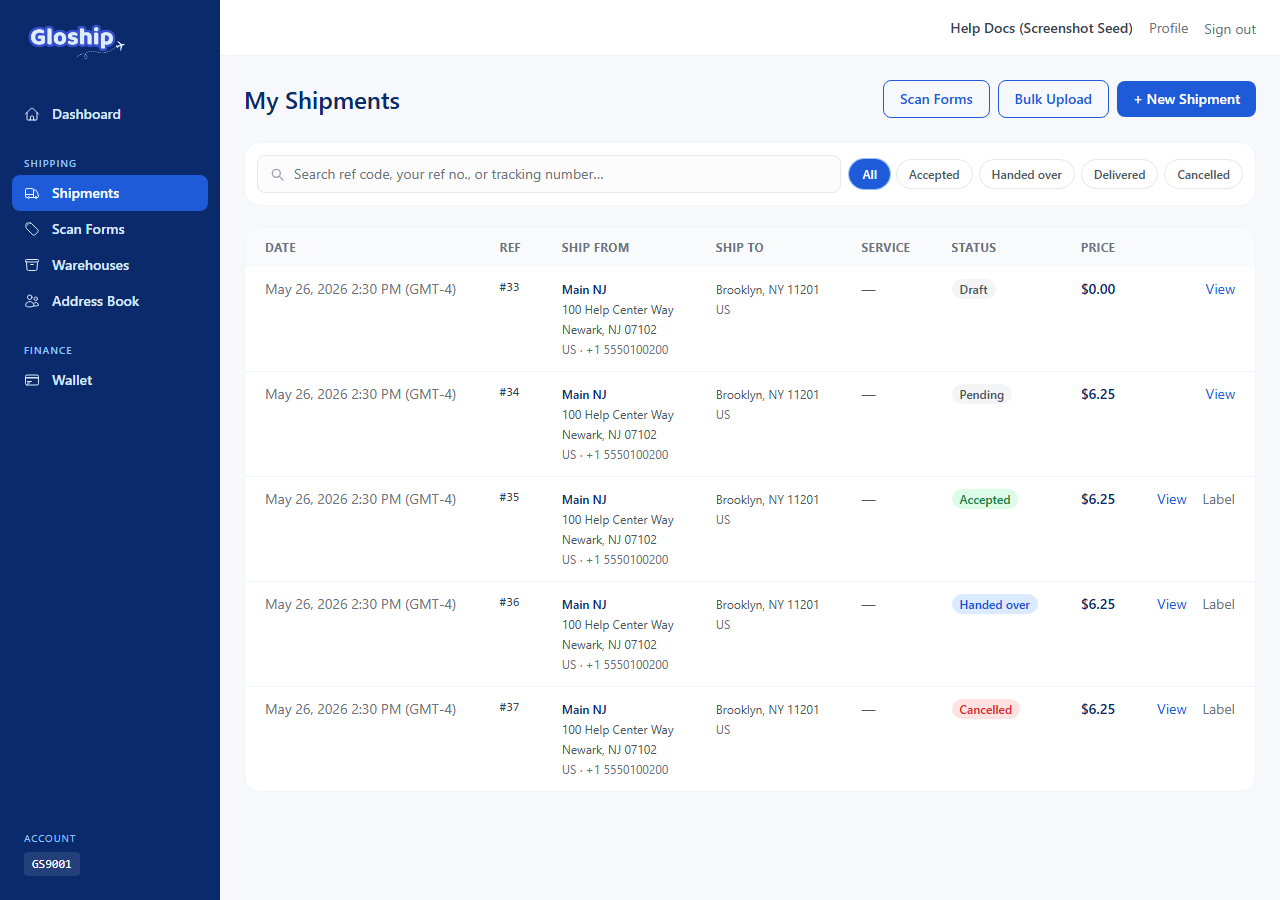
When you can cancel
Cancellation depends on where the shipment is in its life. Use this matrix:
| Shipment status | Can you cancel? |
|---|---|
| Draft (not yet bought) | Yes — just discard the draft. |
| Pending (quoted) | Yes — request cancel from the detail page. |
| Accepted (label bought, parcel not handed to carrier) | Yes — admin reviews the request. |
| Handed over (in transit) | No — the carrier has the package. |
| Delivered | No — but admin can issue a manual refund in rare cases. |
Request a cancellation
- Open the shipment detail page at
/shipments/{id}. - Click Cancel in the action bar.
- In the confirmation modal, optionally add a short reason and click Cancel shipment.
- The status moves to cancel_pending. A new event is added to the timeline:
cancel_requested.
What admin does
Cancellation goes through a two-step admin workflow:
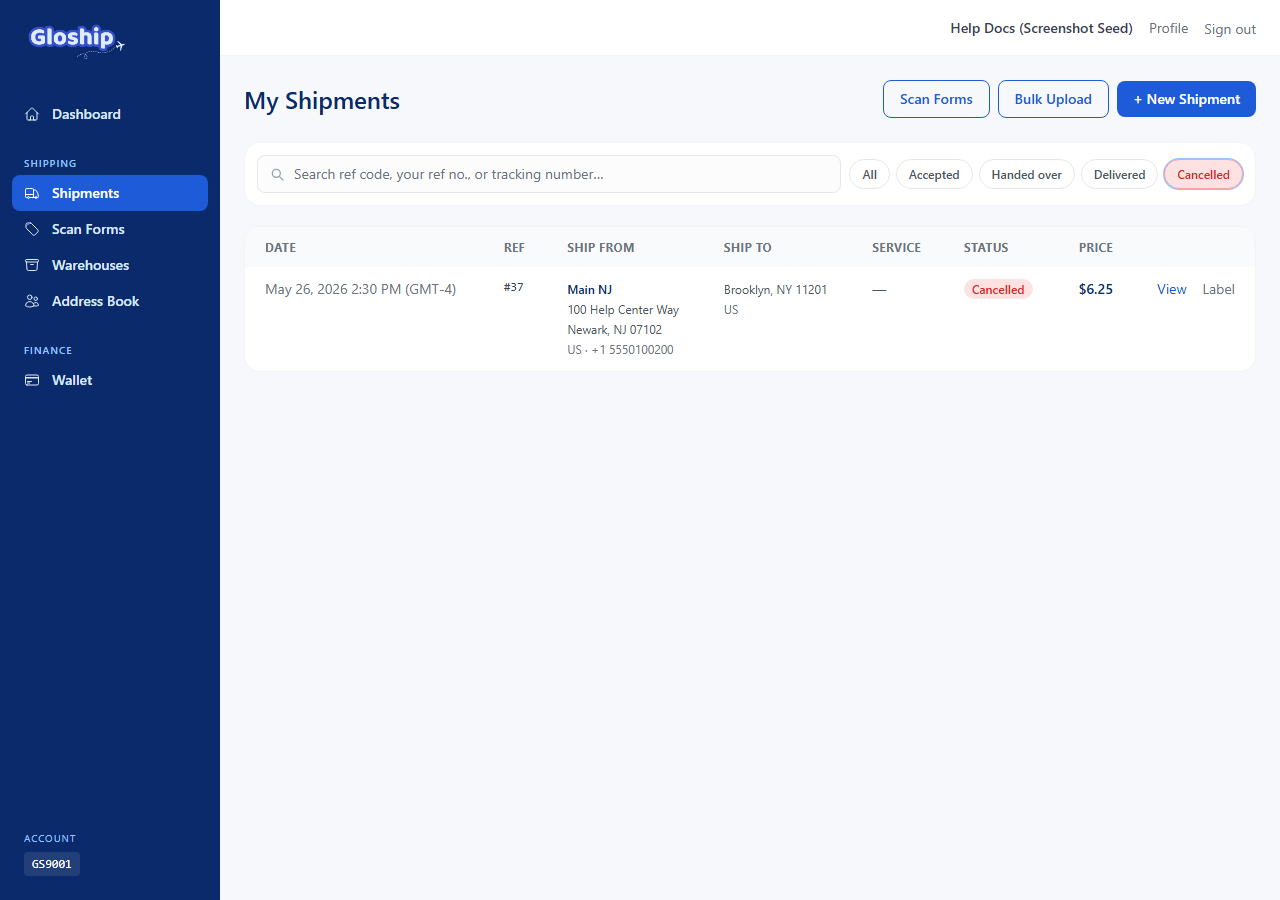
- Approve cancellation — the status moves to cancelled. No wallet movement yet.
- Issue refund — the wallet is credited and the shipment moves to refunded.
If admin rejects the request, the shipment reverts to its previous status (usually accepted). You will see the rejection in the event timeline.
Carrier eligibility window
The carrier (USPS via Gori) has the final say on whether a label can be refunded. After admin approves the cancellation, GloShip submits a refund request to the carrier and polls the result every 6 hours.
Common denial reasons:
label_used— the carrier already scanned the label into their system.eligibility_expired— too much time passed between buying and cancelling (carrier-specific window, usually 30 days).invalid_label— the label was never valid (rare; happens when carrier metadata is corrupt).already_refunded— a duplicate refund was attempted.
If the carrier denies, your shipment row shows the denial code and admin can no longer auto-refund. You can email support@thegloship.com to discuss exceptions.
Refund after delivery
In rare cases (carrier service failure, damaged delivery, etc.) admin can issue a refund on a delivered shipment manually. You will see the credit on your transaction list with type refund and a note explaining the reason.
Troubleshooting
- "Cancel" button is not visible. The shipment is already in transit or delivered. Cancellation is no longer offered.
- Status stuck at "cancel_pending". Admin is reviewing; this can take up to one business day. The carrier polling cycle adds up to 6 hours on top.
- Refund credited but the amount looks low. Check the original transaction — admin may apply a small handling fee for already-printed-but-unused labels. The fee appears as a separate row.
- Need to cancel a whole batch? Bulk shipments must be cancelled row by row from each shipment's detail page.
Related articles
- Manage warehouses — Add the US addresses you ship from. Required before creating shipments.
- Create and manage shipments — Quote rates, buy labels, and ship single or bulk packages.
- Use SCAN forms for bulk handover — Hand many shipments to USPS in one scan. Build a form at end of day.